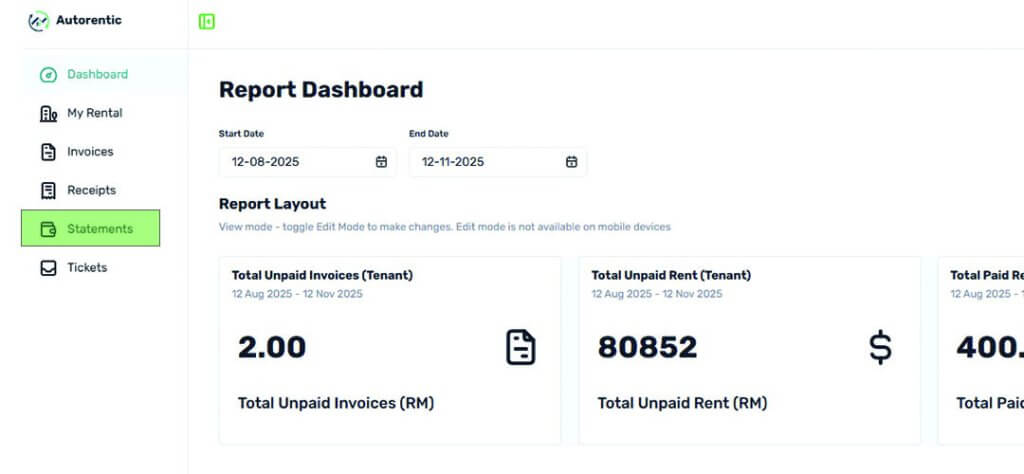
Tenant - How to View and Download Statement of Account Step 1 Go to Autorentic dashboard and make sure you are in the tenant view.Click on the “Statements” tab on the left side menu bar. (See the green color box) Step 2 You will be directed to statement of account listing (see image below).Click on the ‘Eye icon’ button on the right side of the month you wish to view. (See the green color box) Step 3 At the respective month statement of account, you can download the statement to your local device. (See the green color box) and you’re done viewing and downloading the statement of account, it’s simple. For more information, please reach out to your Property Manager or you can reach out to us at Contact Us.